
Launch16:9 · Desktop
A product launch page
A landscape scroll that keeps product copy, feature comparisons and the final call to action readable. Desktop framing works well for launch posts, sales presentations and embedded product demonstrations.
Paste a public webpage URL into Link to Video, the website video generator for smooth scrolling MP4 output. No screen recorder, extension or video editor required.
Online Website Video Generator
Create a guest preview directly on this page, or sign in for longer recordings and account history. Recordings can run for up to 60 seconds and are kept for 7 days.
Real output shapes
See how Link to Video, the website video generator, frames one webpage for desktop, portrait and square screens. These previews reflect the actual presets, scroll behavior and downloadable MP4 output.
A landscape scroll that keeps product copy, feature comparisons and the final call to action readable. Desktop framing works well for launch posts, sales presentations and embedded product demonstrations.
A vertical composition that presents project details without asking viewers to open a browser. Slower scrolling gives typography, interface decisions and before-and-after sections enough time on screen.
A compact square recording for updates, changelogs and progress reviews. The balanced frame is easy to reuse in team announcements, customer communities and social feeds without another crop.
Illustrative creator stories
Fictional examples showing common Link to Video workflows—not customer reviews or endorsements.
“I'd turn every launch page into a clean campaign video.”
 Maya L.Product Marketer
“I'd present full case studies without asking clients to scroll.”
 Lena S.Product Designer
“I'd share polished progress videos before every review call.”
 Amir K.Creative Director
“I'd make release notes easier to watch and share.”
 Sofia N.SaaS Founder
“I'd reframe one webpage for each social channel.”
 Theo R.Content Strategist
“I'd keep product demos consistent across the sales team.”
 Priya M.Sales Lead
“I'd preserve a visual record before important pages change.”
 Daniel C.Web Consultant
“I'd package campaign highlights for a faster post-launch recap.”
 Nina W.Growth Manager
Core capabilities
Website video generator controls define the frame, reading pace and reusable MP4 output.

Create consistent, professional scrolling motion without using a mouse or trackpad.
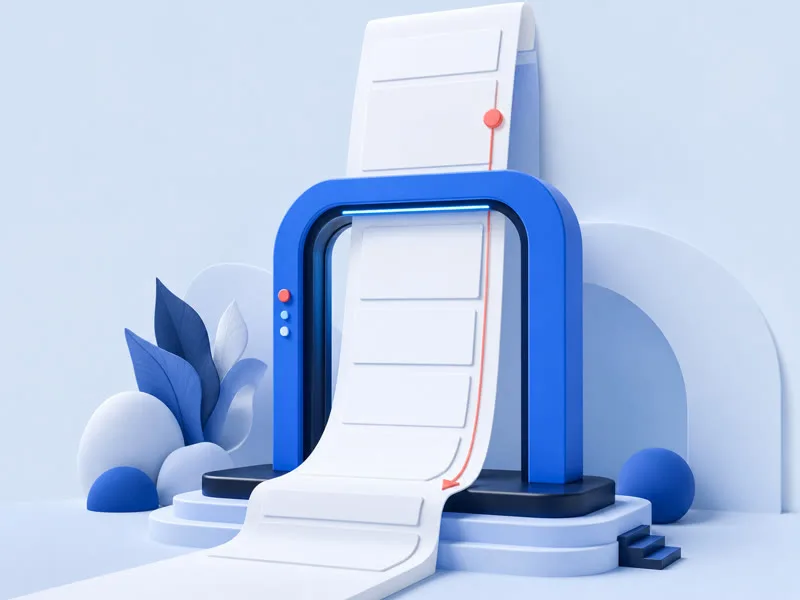
Record more than the first screen and showcase the visible webpage from top to bottom, within the duration limit.
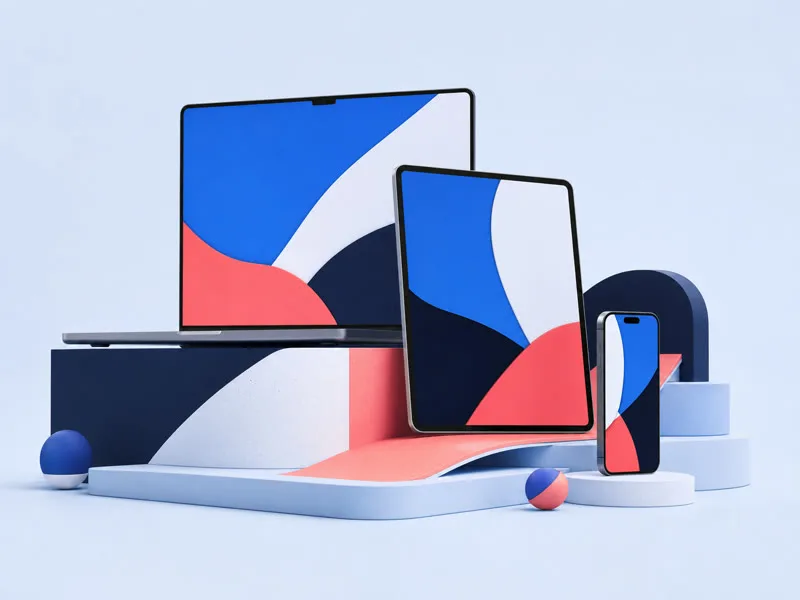
Capture a public website with a desktop or mobile-sized browser viewport.

Generate landscape, vertical or square video framing for websites and social media.

Everything runs online. You do not need to install a browser extension or video editor.

Preview the completed recording online, then download the MP4 for presentations, portfolios or social posts.
A clean capture pipeline
Link to Video is a website video generator that opens the page in an isolated browser, prepares lazy content, controls the scroll and encodes captured frames into a standard MP4. Unlike a generic URL to video converter, this workflow records the visible webpage rather than extracting or downloading embedded source videos.
Standard video frame rate
Purpose-built scene presets
Selectable scroll behaviors
Turn a webpage link into video
Link to Video is a website video generator that turns a public webpage link into a smooth scrolling video.
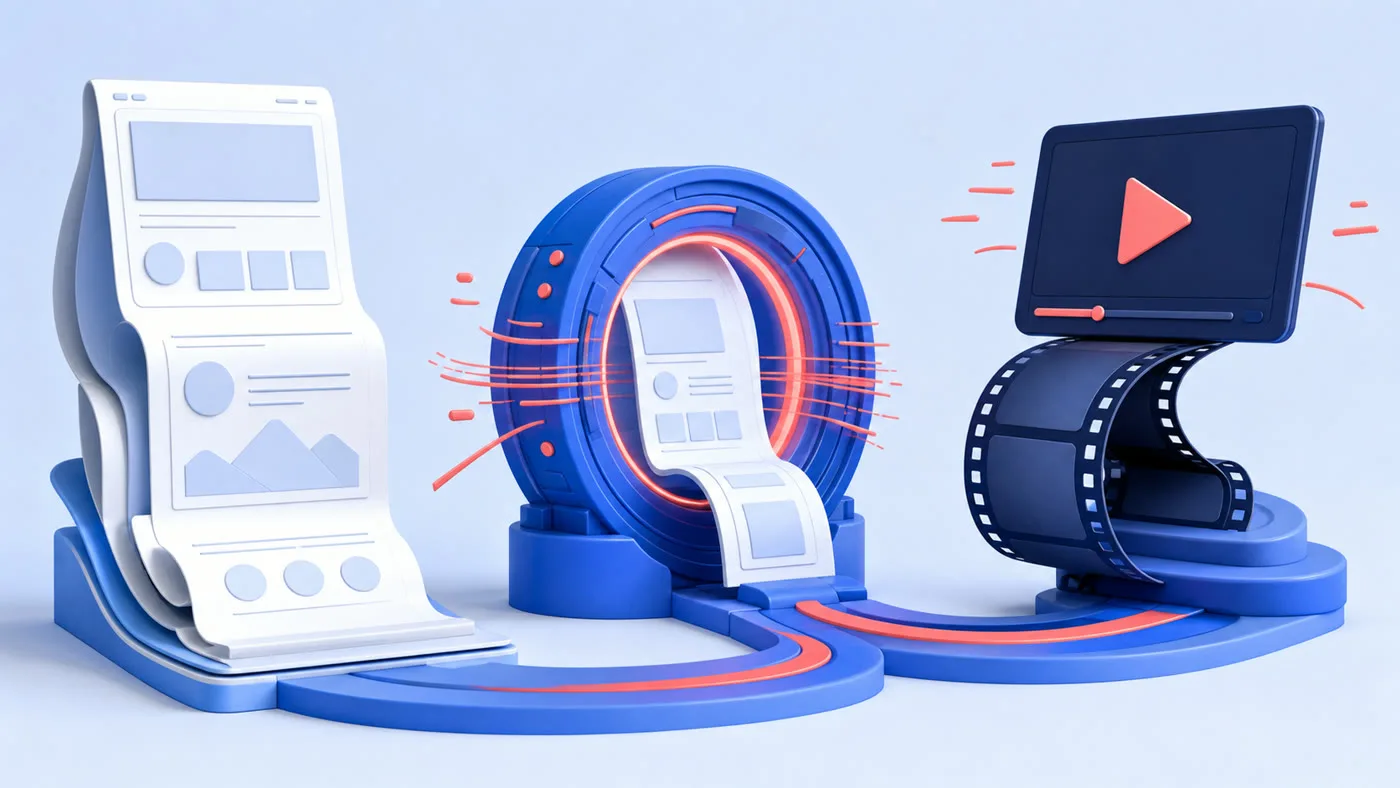
Paste the URL, choose the recording settings and let Link to Video capture the page at a consistent speed.
Create videos for launches, portfolios, presentations, release notes and social posts.
How it works
Link to Video keeps the workflow simple. The website video generator handles page validation, browser preparation and video encoding in the background.
Enter the URL of a publicly accessible webpage you want to record. No browser extension or software installation is required.
The website video generator lets you choose a desktop, mobile, portrait or square scene and adjust the scrolling speed to match your content.
LinkToVideo opens the webpage in a secure browser, scrolls through it automatically and creates a downloadable MP4 video.
Format & compatibility
The website video generator produces a broadly compatible MP4. Some pages cannot be captured because they are private, protected or unsafe to open.

Privacy by default
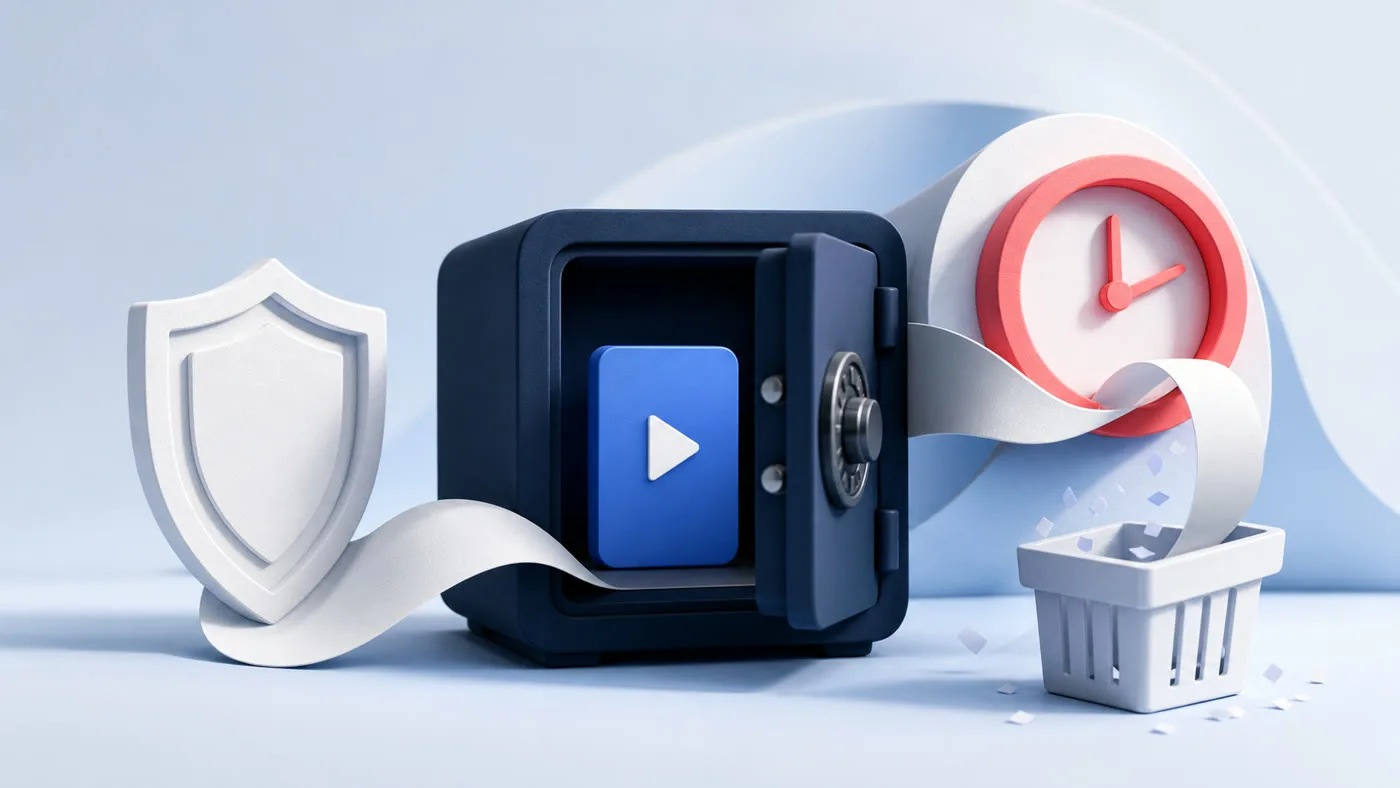
The website video generator stores finished videos in a private bucket. Download links are short-lived, and the object key is never exposed in the public interface.
Recordings are not placed in a public media library or indexed by search engines.
Signed-in recordings expire after 7 days by default.
Remove a completed video immediately from its recording details page.
Made for presentation
Link to Video is a website video generator for controlled recordings when the page itself is the story and the audience should not have to navigate it. Choose a format for the destination, then let the recording communicate the page structure in one continuous sequence.
Turn a new landing page into a short scrolling video for launch announcements and social media.
Showcase complete website projects without asking viewers to open and scroll through every page.
Create clean website previews for proposals, design reviews and progress updates.
Record release notes, feature pages and redesigned landing pages as shareable videos.
Convert a website link into vertical or square content for LinkedIn, Instagram, TikTok and other platforms.
Save a visual video record of a public webpage before its design or content changes.
A better way to record
Manual website recording can produce uneven scrolling, cursor movement and inconsistent dimensions.
Link to Video automates the process with a selected viewport and consistent scroll.
The result is ready for marketing, design showcases and presentations. You remain responsible for recording rights.
The website video generator also separates capture settings from browser improvisation. You can choose smooth motion for a visual overview, constant speed for predictable timing or readable steps when sections need a short pause before the next movement.
Before recording, confirm that the page is publicly accessible and that you own the content or have permission to reuse it. Login walls, CAPTCHAs, private network addresses and sites that block automated browsers remain outside the supported capture flow.
Questions, answered
Link to Video is an online website video generator that converts a public webpage link into a smooth scrolling video recording.
Paste a public URL, choose the dimensions and speed, confirm your recording rights, then click Create Scrolling Video. The tool records the page and prepares an MP4.
No. LinkToVideo records the visible content of a public webpage as it scrolls. It does not extract or download embedded source videos.
LinkToVideo supports publicly accessible HTTP and HTTPS webpages. Pages requiring a login, password, CAPTCHA or private network access are not supported.
Yes. Select the Mobile or Social Portrait preset before generating the recording.
Yes. Choose Slow for detailed pages, Standard for a natural pace or Fast for a shorter promotional video.
LinkToVideo creates an H.264 MP4 at 30 frames per second with no audio track. Signed-in users can select 720p or 1080p.
Recordings created by signed-in users are kept for 7 days by default. You can delete a recording earlier.
You may use the recording if you own the webpage content or have permission to record and reuse it. You are responsible for complying with applicable rights and website terms.
Paste a public webpage URL and let Link to Video create a smooth website video without manual screen recording. The website video generator carries your selected frame and pace into the signed-in recording workspace.
Create scrolling videoContinue exploring
Internal links are organized by video creation, sharing, guides and support, with each destination selected for the task on this page.